
What is a Meta Glasses Converter?
A Meta Glasses Converter prepares a regular photo in the format commonly associated with Ray-Ban Meta smart glasses. It center-crops the image to a 3:4 frame, exports a new 3024 × 4032 JPEG, and adds Meta Glasses Gen 2 camera metadata.
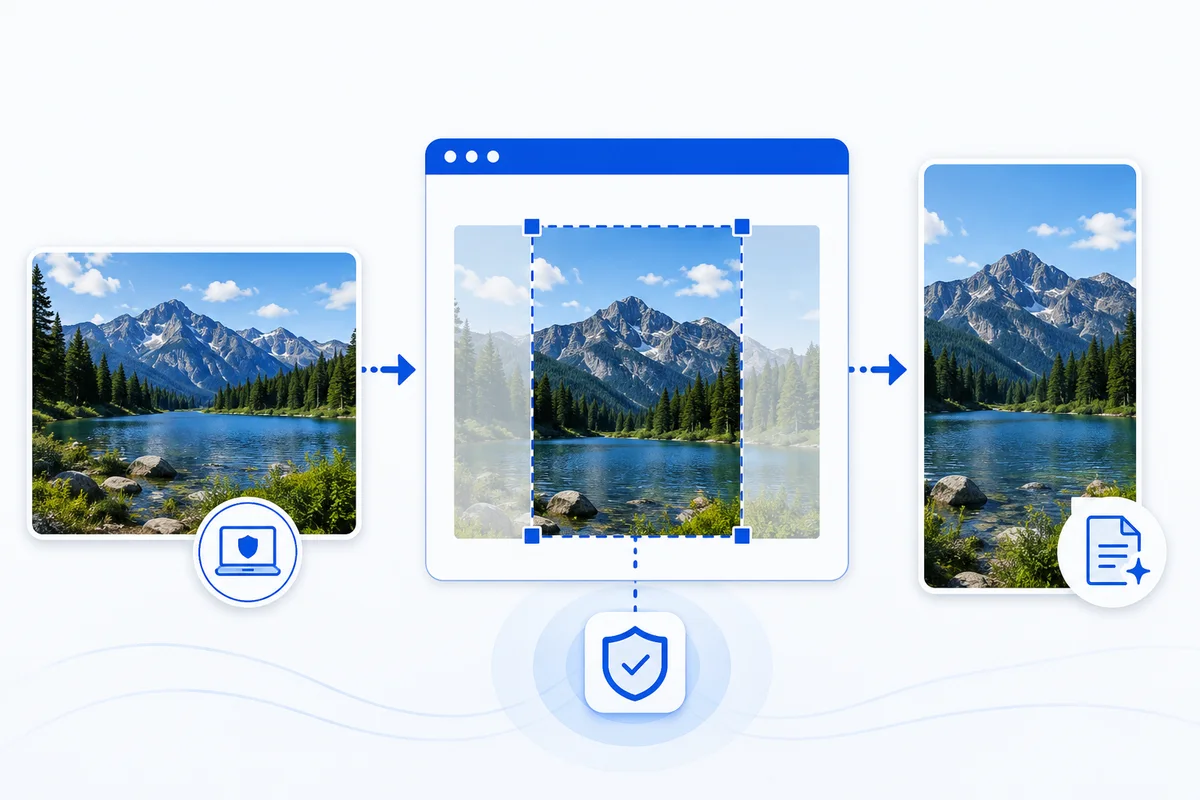
The output is a newly generated file. It does not prove that the photo was captured with smart glasses.
Private, browser-based processing
Your photo stays on your device. Selection, cropping, JPEG export, and metadata writing happen in your browser. There is no account, upload, or conversion server.
Get the best result
- Start with a clear JPG or JPEG photo no larger than 20 MB.
- Review the centered 3:4 preview after conversion.
- Save the converted file directly to your device.
- On a phone, save it to Photos or your camera roll before selecting it in Instagram.
Use the original converted file. Messaging and editing apps may recompress the JPEG or remove its metadata.
Why is the photo cropped and re-encoded?
Ray-Ban Meta photos use a portrait 3:4 frame and include camera information inside the JPEG. Resizing alone does not create that file structure. Re-encoding also removes the source photo’s original GPS and device metadata before the new Meta Glasses fields are added.
The center crop keeps the image proportional, so people and objects are not stretched. Photos with a different aspect ratio will lose some content near the edges.
Browser compatibility
The converter is designed for current versions of Safari, Chrome, Edge, and Firefox on mobile and desktop. File saving differs by browser: supported phones open the system share sheet, while desktop and older browsers download the JPEG.
Important note
Instagram and Meta can change how their apps interpret media at any time. This tool prepares the file using a currently used conversion profile, but it cannot guarantee a label, effect, animation, or other platform behavior.
FAQ
Can I use PNG, WebP, or HEIC files?
No. The first version accepts JPG and JPEG files only.
Why might the result stop working after I send it through another app?
Messaging, social, and editing apps may rewrite the JPEG or remove EXIF metadata. Save and use the original converted file whenever possible.
Does this tool work with video?
No. It converts still photos only.
Do I need Ray-Ban Meta glasses?
No. The converter works with a regular JPEG and does not connect to glasses or a Meta account.
Is this site affiliated with Meta or Ray-Ban?
No. Meta Glasses Converter is an independent utility and is not affiliated with, endorsed by, or sponsored by Meta Platforms, Inc., Ray-Ban, or EssilorLuxottica.